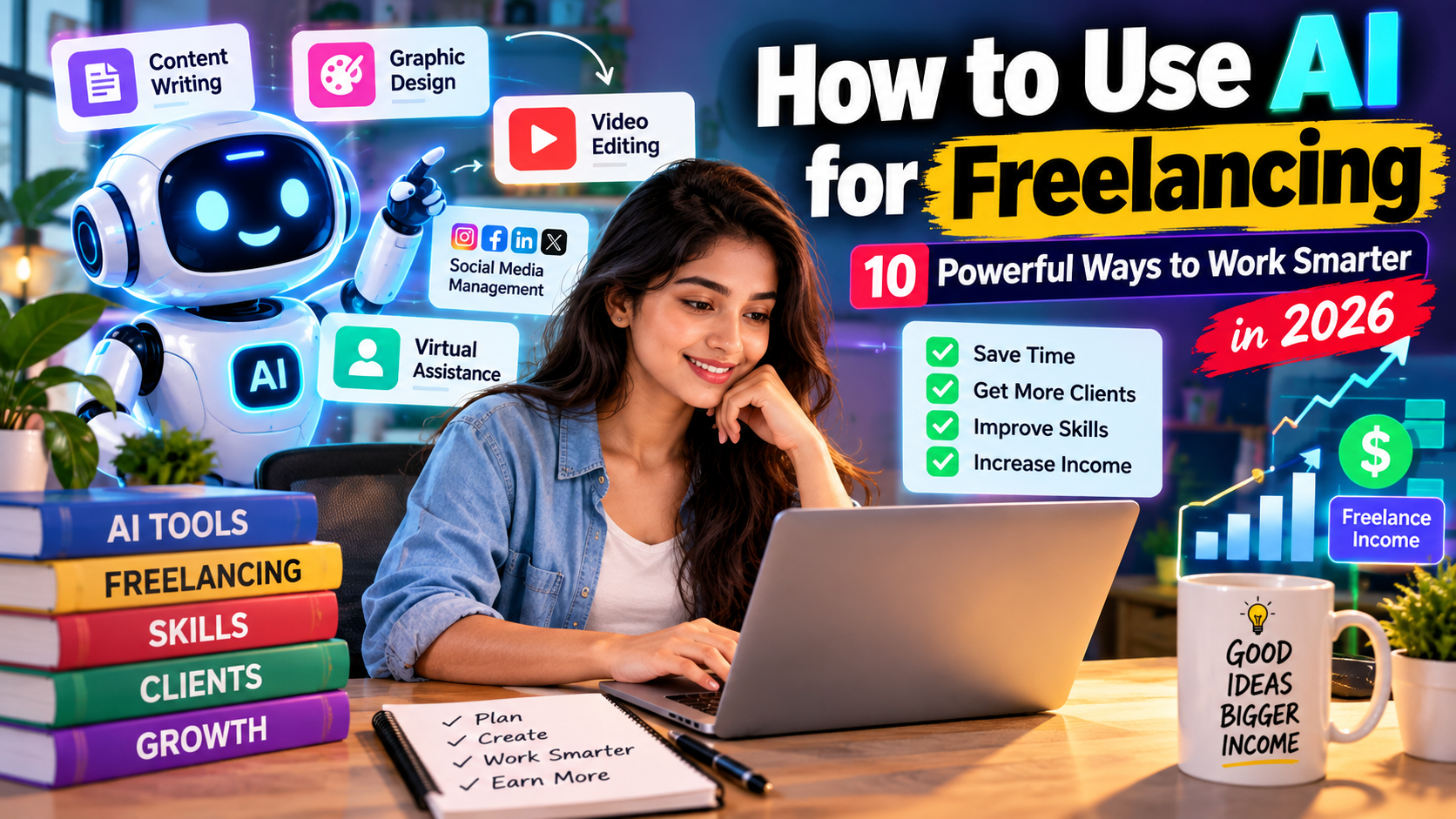
Artificial Intelligence (AI) is changing the way freelancers work. If you know how to use AI for freelancing, you can speed up repetitive tasks, improve your workflow, generate ideas, and deliver high-quality work more efficiently.
From content writing and graphic design to video editing, social media management, research, and virtual assistance, AI can support freelancers in many different fields.
However, AI should be treated as a productivity tool rather than a complete replacement for human skills. The best results come from combining AI tools, professional skills, creativity, communication, and human quality control.
In this guide, you’ll learn how to use AI for freelancing, which services you can offer, how to build your portfolio, and how beginners can get started.
What Is AI Freelancing?
AI freelancing means using artificial intelligence tools to improve or support freelance services.
For example, a freelance writer can use AI to brainstorm topics, create outlines, improve grammar, and organize research. A designer can use AI to generate creative concepts, while a video editor can use AI for transcription and captions.
The freelancer remains responsible for reviewing, editing, fact-checking, and customizing the final work.
How to Use AI for Freelancing?
The easiest way to start is to combine AI with a skill you already have or want to learn.
Instead of trying to become an expert in every AI tool, choose one freelance skill and use AI to make your workflow faster and more efficient.
A simple AI freelancing workflow looks like this:
Client Brief → Research → AI Assistance → Human Editing → Quality Check → Final Delivery
This approach allows you to use AI while maintaining the quality and originality clients expect.
10 Ways to Use AI for Freelancing
1. How to Use AI for Freelancing as a Content Writer
AI can help content writers with:
- Blog topic ideas
- Article outlines
- Headlines
- Product descriptions
- Social media captions
- Email drafts
- Content research
- Grammar and editing
For example, you can use AI to create an initial article outline and then add your own research, experience, examples, and writing style.
Always review AI-generated information before delivering content to a client.
2. How to Use AI for Freelancing in Graphic Design
Graphic designers can use AI to speed up their creative process.
AI can assist with:
- Design concepts
- Image generation
- Background removal
- Image editing
- Social media graphics
- Presentation visuals
- Thumbnail ideas
Instead of relying completely on AI-generated designs, use AI as a creative assistant and customize the final design according to the client’s brand.
3. How to Use AI for Freelancing in Video Editing
AI-powered video tools can automate many repetitive editing tasks.
Freelance video editors can use AI for:
- Automatic transcription
- Subtitles and captions
- Audio cleanup
- Removing unwanted pauses
- Video summaries
- Short-form video creation
- Script assistance
This can help freelancers turn long videos, podcasts, and interviews into shorter pieces of content more efficiently.
4. How to Use AI for Freelancing in Social Media Management
Social media freelancers can use AI to make content planning easier.
AI can help create:
- Content ideas
- Social media captions
- Content calendars
- Short video scripts
- Post variations
- Audience-specific ideas
- Campaign concepts
The freelancer should still review every post to make sure it matches the client’s brand voice and marketing goals.
5. How to Use AI for Freelancing as a Virtual Assistant
Virtual assistants can use AI to handle or speed up repetitive administrative tasks.
Examples include:
- Drafting emails
- Summarizing documents
- Creating meeting notes
- Organizing information
- Preparing standard responses
- Research assistance
- Spreadsheet-related tasks
This gives virtual assistants more time to focus on communication, organization, and tasks that require human judgment.
6. Use AI for SEO Freelancing
SEO freelancers can use AI to support several parts of their workflow.
AI can help with:
- Keyword brainstorming
- Content outlines
- Search-intent analysis
- Meta description ideas
- Title ideas
- Content optimization
- FAQ ideas
However, SEO requires more than generating text. You should understand search intent, content quality, internal linking, user experience, and the needs of the target audience.
7. Use AI for Research and Data Organization
Research is another area where AI can save freelancers time.
AI can help organize information, summarize documents, identify topics, and create structured notes.
For research-heavy projects, always verify important facts against reliable sources before using them in client work.
8. Use AI for Presentation Design
Freelancers who create presentations can use AI to speed up the planning process.
AI can assist with:
- Presentation outlines
- Slide ideas
- Speaker notes
- Visual concepts
- Content summaries
- Business presentation drafts
The final presentation should still be reviewed for accuracy, clarity, branding, and visual consistency.
9. Use AI for Email and Copywriting Services
Copywriters and marketing freelancers can use AI to generate initial ideas for:
- Marketing emails
- Ad copy
- Landing page copy
- Product descriptions
- Calls to action
- Promotional content
The freelancer’s expertise is important because effective copy needs to understand the audience, product, brand, and desired action.
10. Use AI to Automate Repetitive Freelance Tasks
One of the biggest advantages of AI is automation.
Depending on your workflow, AI can help reduce repetitive work such as:
- Creating summaries
- Organizing information
- Generating first drafts
- Categorizing data
- Preparing templates
- Creating standard responses
The more repetitive work you can streamline, the more time you can spend on higher-value freelance tasks.
Best AI Tools for Freelancers
There are many AI tools available for different freelance services.
Depending on your niche, you may use AI tools for:
- Writing and brainstorming
- Image generation
- Video editing
- Transcription
- Presentation creation
- Research
- Productivity
- Automation
- SEO
You don’t need dozens of tools to get started. Choose a small number of tools that solve specific problems in your workflow.
ai से पैसे कैसे कमाएं? 2026 घर बैठे कमाई शुरू करने के आसान तरीके
How to Start AI Freelancing as a Beginner
If you’re new to freelancing, follow these simple steps.
Step 1: Choose One Freelance Skill
Start with one service instead of trying to offer everything.
For example:
Writing + AI = AI-assisted content writing
Design + AI = AI-assisted graphic design
Video editing + AI = AI-assisted video editing
Marketing + AI = AI-assisted content marketing
Step 2: Learn the Relevant AI Tools
Once you choose your skill, learn the AI tools that can improve your workflow.
Focus on practical use rather than simply learning how to write prompts.
Step 3: Create a Portfolio
You don’t need dozens of clients to create your first portfolio.
Create sample projects that demonstrate your ability.
For example, a beginner content writer could create:
- 2 sample blog posts
- 3 product descriptions
- 5 social media captions
- 1 email campaign
Show the quality of your final work rather than simply showing that you used AI.
Step 4: Create Your Freelance Profile
Your freelance profile should clearly explain:
- What service you provide
- Who you help
- What type of projects you accept
- What results you can provide
- Examples of your work
Instead of saying only “I use AI,” explain the value you provide to clients.
How to Find Clients for AI Freelancing
Once your portfolio is ready, start looking for relevant freelance opportunities.
You can promote your services through freelance marketplaces, professional networks, social media, personal websites, and direct outreach.
When contacting potential clients, focus on their problem.
For example, instead of saying:
“I use AI to write articles.”
You can communicate your service as:
“I create well-researched, SEO-friendly blog content designed for your target audience.”
The second approach focuses on the client’s needs rather than the technology.
How to Build an AI Freelancing Portfolio
A strong portfolio should demonstrate your actual skills.
Include:
- Your best sample projects
- Before-and-after examples where relevant
- Different types of work
- A short explanation of your process
- Client testimonials when available
If you use AI as part of your workflow, make sure the final work has been reviewed and customized by you.
How Much Can You Earn With AI Freelancing?
There is no fixed income for AI freelancers.
Your earnings can depend on:
- Your skill level
- Type of freelance service
- Portfolio quality
- Client demand
- Experience
- Project complexity
- Pricing
- Communication skills
Using AI does not automatically guarantee higher earnings. The valuable part is your ability to use AI to solve a client’s problem efficiently.
As your skills and experience improve, you can focus on more specialized services and larger projects.
How to Use AI for Freelancing Without Losing Quality
One of the biggest mistakes beginners make is copying AI-generated content and sending it directly to a client.
Instead, use AI as an assistant.
A better workflow is:
Research → AI assistance → Human expertise → Editing → Fact-checking → Quality control → Delivery
This process helps maintain quality while still benefiting from the speed of AI.
Common AI Freelancing Mistakes to Avoid
Relying Completely on AI
AI can make mistakes or provide inaccurate information. Always review important information.
Using Too Many AI Tools
You don’t need every new AI tool. Learn the tools that are actually useful for your service.
Ignoring Client Requirements
Every client has different expectations. Follow their instructions regarding AI usage, content quality, privacy, and deliverables.
Forgetting About Privacy
Avoid uploading confidential client information, passwords, private customer data, or sensitive business documents into AI tools without understanding the relevant privacy controls and terms.
Focusing Only on Prompts
Prompt writing is useful, but professional freelance skills are equally important.
A successful AI-assisted writer still needs writing and research skills. A designer still needs design knowledge. A marketer still needs marketing knowledge.
Frequently Asked Questions About AI Freelancing
How can I use AI for freelancing?
You can use AI for content writing, graphic design, video editing, social media management, SEO, research, virtual assistance, presentations, and many other freelance services.
Can beginners start freelancing with AI?
Yes. Beginners can combine AI tools with one specific freelance skill, create sample work, build a portfolio, and gradually look for suitable projects.
What are the best AI tools for freelancers?
The best tools depend on your freelance niche. Writers, designers, video editors, marketers, and virtual assistants may need different tools.
Can AI replace freelancers?
AI can automate some tasks, but many freelance projects still require human creativity, judgment, communication, strategy, and quality control.
How can I get freelance clients using AI?
Use AI to improve your workflow and create better samples, but focus your client outreach on the specific problem you can solve and the value you provide.
Table of Contents
Final Thoughts
Learning how to use AI for freelancing can help you work more efficiently and handle repetitive tasks faster.
The goal isn’t to let AI do everything. Instead, combine AI with your own skills, creativity, research, communication, and professional judgment.
Start with one freelance skill, learn the AI tools that support it, build a strong portfolio, and gradually take on more complex projects.
The most useful combination is simple:
AI + Professional Skill + Human Creativity + Quality Control = Better Freelancing Workflow